Advertisement

Vintage

Something Different for Joomla

Diana Mini PDF Print E-mail
Written by Mathias Meyer   
Thursday, 14 January 2010

diana-mini-home.pngIt fits right in your pocket, it's carrying the spirit of its ancestors, the Diana+, and it shoots square pictures on 35mm film. What more could you possibly ask for?

Before we dive right in to see how the Diana Mini works and handles, let's have a look at the specs.

  • Shoots 35mm film
  • Lens: 24mm
  • Aperture: f/11 and f/8 (Sunny and cloudy)
  • Shutter speed: I'd guess about ~1/60s. but don't quote me on that
  • Formats: Square and half frame
  • Bulb mode and multiple exposures


diana-mini-front.pngThe first impressions of the Diana Mini are positive. It feels robust and the build is surprisingly solid, which left a better impression with me than its ancestor, the Diana+. Even though it's plastic it doesn't feel that way, it feels pretty compact in your hand. It's really tiny, and looking at it, you wonder how it could possibly fit a roll of film.

The most notable features apart from its incredible tininess compared to the Diana+ are the holes that hold the Diana flash, but most importantly, the Diana Mini has a proper cable release. No adapter required, just use the release you already have without a problem. I don't have to add how useful that is with bulb mode, but there you go. Regarding the flash, you don't have to use the Diana+ flash, you can get an hotshoe adapter from Lomography.

Loading the film is (almost) as simple as it gets. The only caveat I found was something that is a general issue with the film advancing on the Diana Mini. When you're not careful (or have big hands like me) it's too easy to force the film advancing. The advancing wheel is a bit awkward that way. You can advance the film easily, but if you're not careful you're forcing the film onwards even though the wheel that stops it is cocked. Tearing the sprockets is the sad consequence. So when you advance the film, be careful to feel for that moment when easily advancing the film doesn't seem possible anymore. Of course at the end of the film it's even harder to tell if there's another shot or the end is near, but one or two rolls and you'll have it figured out.

The fact that the film is actually held in place (as you'd expect with any 35mm camera really) without you being able to advance it any further also has the nice side effect of the camera not accidentally advancing your film when it moves around like that. Believe it or not, that was a big gripe for me with the Diana+, and I'm happy to report that it's not a problem anymore with the Mini. Of course only if you usually advance your film before you put the camera away.

diana-mini-back.pngYou don't need to fully advance, the shutter goes off whether the frame setting is locked or not. Getting weird overlaps or filling one roll with about 50 shots of an extreme panorama are no problem at all.

Shooting with it is a breeze. You select the format you'd like and go right ahead, exposing once, twice, how often you like. The viewfinder support the two modes. It's square but has a little shadowed frame that shows you the format of a photo in half frame mode. Square photos result in a 24x24mm negative, half frame in 17x24mm. That is really tiny, but you can fit 72 photos on a single roll with shooting half frame.

That's a pretty big challenge, but the camera makes it fun. It encourages you to shoot the same thing from different angles, as many as you like really.

Square on the other hand will fill your roll as per usual, a 36 shot film will yield 36 square shots. However, if you don't always advance fully, you can squeeze in some more shots. The room that's pretty much wasted after each shot is pretty big, so you don't have to worry about overlapping photos as much.

When shooting square (which is my personal favorite) it doesn't matter how you hold the camera, but when you shoot half frame, it gets totally sideways. When you shoot portrait you hold the camera normally, when you shoot landscape, you turn the camera by 90 degrees.

You can easily switch formats in between shots, but only until you fully advance the film to the next shot. Then the setting is locked. You have to take your shot before you can switch again. Some people don't recommending switching formats on a roll of film, because it'll give your lab a headache, but where's the fun in that? You do always run the risk of getting your shots cut right in the middle by a machine or an angry lab employee though.

The focussing on the Diana Mini is what you're used to from the Diana+, only they threw in one extra setting which will let you get as close as 0.6m (or about 2 feet) to your subject. In general I didn't find the setting to be much of a difference. The relatively wide angle of the lens with the small apertures makes the depth of field pretty big, so if you forget to set the focus like I normally do, you don't have to expect a photo that's totally out of focus.

There was one oddity with my particular model though. The center of the shots was always blurred, while the outsides were in focus. That was a first for me with toy cameras. Usually it's the other way around. At first I thought it was just because I used the wrong focus setting, but then I realized it's on every photo, square and half frame, except for the ones where I used the closest focus setting.

diana-mini-back-open.pngFrom the looks of other photos I've seen that's not the normal behavior of the Diana Mini, so I take it as an unexpected flaw. Toy cameras are all about embracing them, so it's not a big deal.

There's a noticeable lens barrel effect in most (if not all) of the shots. Forgive the little one, it's just a plastic lens after all. It's a matter of taste though, so you have been warned.

I didn't have the chance yet to try out the camera in summer, so I had to stick to 400 and 800 speed films, which is unsurprisingly what's recommended. It still needs a lot of light. Don't expect any vignetting, as far as I can tell, it'll only happen very rarely with the Diana Mini.

If you like the Diana+'s interchangeable lens feature though, you're out of luck. The Diana Mini has one lens, and one lens only. The camera has some screws to take it apart on the bottom, but I doubt you can mod it as easily as a Holga or the Diana+.

Handling the camera can be a bit fiddly at times, because it's really really tiny. But your most important tools, the advancing wheel and the shutter release, works like a charm no matter how big your hands.

The camera is a fun toy. If you dig 35mm film and want to try something different, go right ahead and add this to your collection. The cable release and the potential to use an external flash sweeten this toy camera deal a lot. If you've never owned a toy camera before, this is could easily be your gateway drug.


Sample Photos


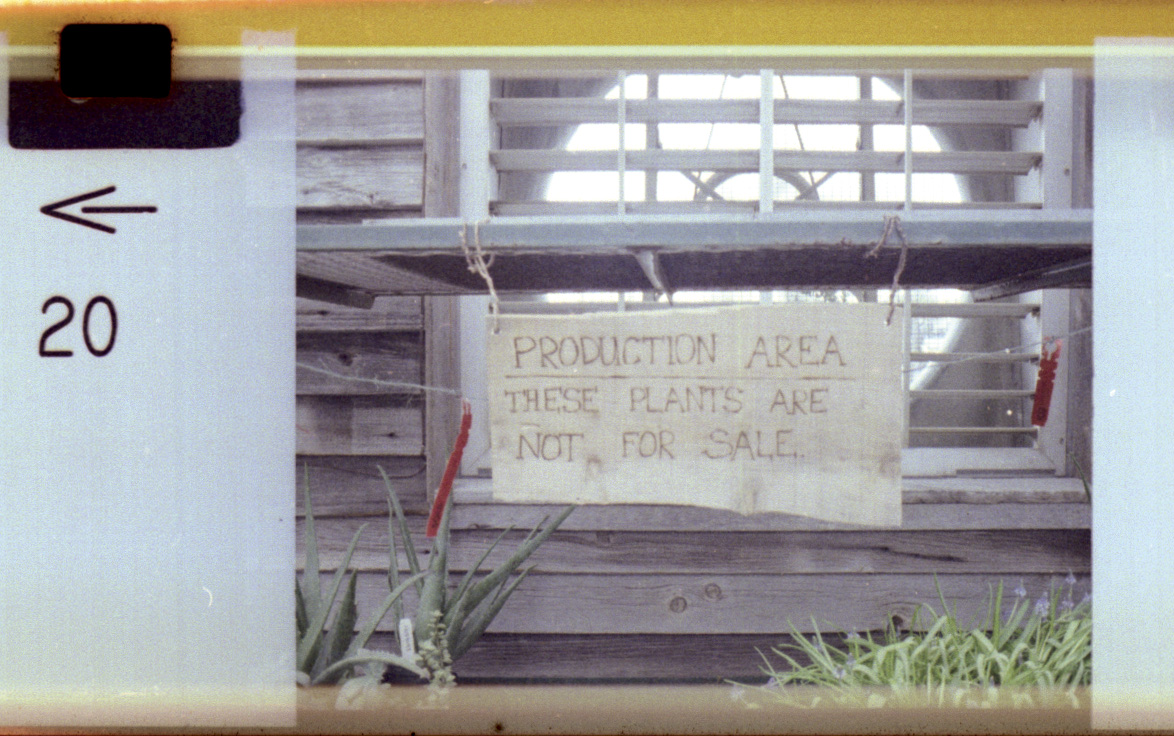
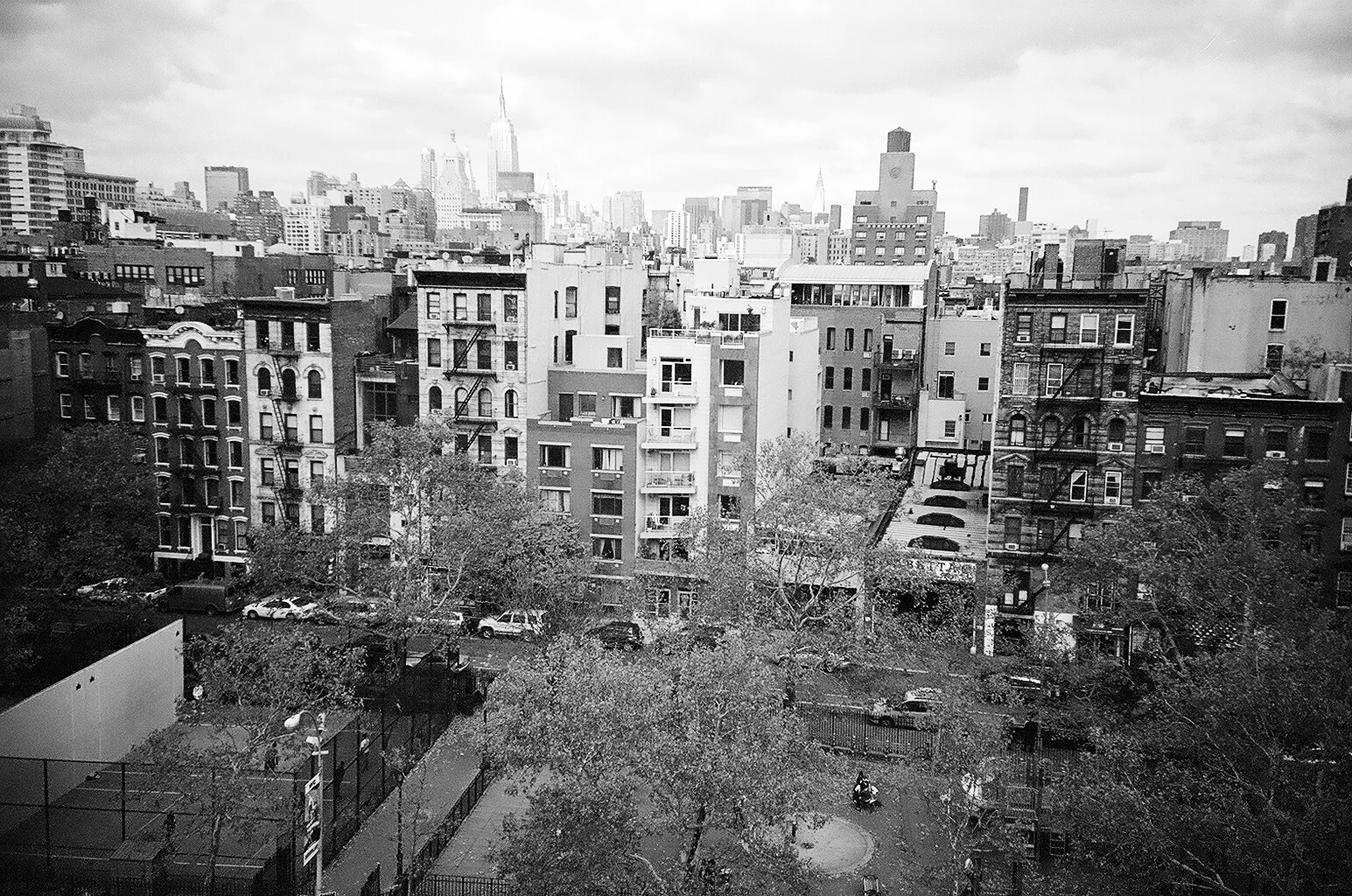
Diana Mini Photography by Mathias Meyer Diana Mini Photography by Mathias Meyer
 Diana Mini Photography by Mathias Meyer  Diana Mini Photography by Mathias Meyer
 Diana Mini Photography by Mathias Meyer  Diana Mini Photography by Mathias Meyer
 Diana Mini Photography by Mathias Meyer  Diana Mini Photography by Mathias Meyer


Mathias Meyer

Mathias Meyer Biography:

Mathias is a film and Polaroid addict from Berlin in Germany. He has a bad habit of collecting all kinds of cameras, but his heart belongs to the Holga, the Pentacon Six and the Polaroid SX-70. He blogs on all things photography, cupcakes and coffee over at http://holgarific.net

Hits: 11206
Comments (8)Add Comment
0
I couldn't agree more.
written by Dan, January 15, 2010
I've had my Diana Mini for several weeks now, and it's been FUN!!! It's been odd getting used to the wide angle (24mm)shooting in the tiny viewfinder, but it keeps your brain thinking about the composition.
0
...
written by JamesD, January 15, 2010
An interesting read. I bought one recently and tried to cross process a slide film in it, most of the shots were terrible, but a few were ok (http://www.flickr.com/photos/j...195324810/). Need to try a regular roll of film and see how they come out.
0
...
written by greybreaks, January 16, 2010
cool photos, i like the double exposed lamp post shot
0
...
written by Dan, January 22, 2010
My friend bought me a Diana Mini a few weeks ago and I love it. I've never gotten into Lomography, but since I got this camera couple weeks ago, I've bought three more cameras to play around with. I haven't even developed a roll of film yet.
Russ Morris
fun little thing...
written by Russ Morris, January 30, 2010
An early adopter, I was impressed with the quality of the lens - I had early success with close-ups, portraits, xpro, B&W, and macro using 37m +4 and _+10 diopters.

The only gripe I have (and it's a small one) is that the little distance indicator on the lens could be made to be easier seen, adjusted.


My d-mini gallery...
0
I love it!
written by Mikel, March 06, 2010
I love the diana mini. Several shots here:
http://www.flickr.com/photos/mikelanstrum/sets/72157623566781404/
0
I love the Mini and would strongly recommend to give it a go ...
written by Greg, April 09, 2010
... you won't regret it. It's a fantastic little pice of plastic that can give you some amazing results.

If you like check out my Diana mini shots here: http://www.flickr.com/photos/4...311478932/
0
...
written by Asif Kurji, May 03, 2010
I bought the mini the other day, and it took some getting used to. Getting the film in was hard, and taking pics of anything more than 5 metres away looked terrible. I have the fisheye too, its amazing!

Write comment

busy
Last Updated ( Thursday, 14 January 2010 )
 
< Prev   Next >
Joomla Templates by JoomlaShack